Sections menu
Airbus A320ceo / neo · Cockpit panel
Live cockpit panel
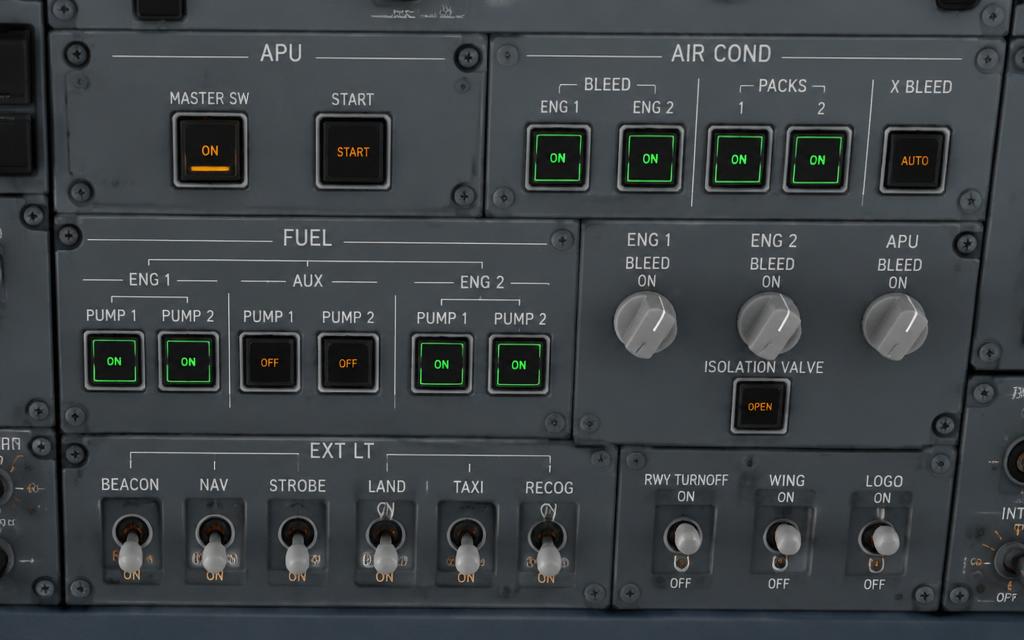
Click a switch, knob or pushbutton to move it. The panel on the right explains every position, and the lights at the top react like the real ones. Simplified teaching logic — not a certified simulator.
Overhead panel, centre column
Overhead — ELEC, APU & FUEL
Airbus 'dark cockpit': in normal flight no pushbutton is lit. A white light means a switch is not in its normal position; amber means a fault. Try a cold-and-dark power-up: BAT 1 + 2, then APU MASTER, APU START, then fuel pumps.
Guided task
- 01BAT 1 AUTO.
- 02BAT 2 AUTO — check voltage ≥ 25.5 V.
- 03APU MASTER ON — intake flap opens.
- 04APU START — wait for green AVAIL.
- 05APU BLEED ON.
- 06Fuel pumps ON.
The control for the next step pulses amber on the panel.
ELEC
APU
FUEL pumps
ADIRS
EDUCATIONAL USE ONLY. Content is summarised from manufacturer documentation for learning. It is not approved flight or maintenance data. Always use the current, aircraft-specific POH/AFM, FCOM, QRH, AMM and operator procedures.