Sections menu
Airbus A320ceo / neo · Interactive procedures
Step-by-step
Walk through each flow one action at a time. The control you need lights up on the panel, with the reason behind every step.
Start the APU to supply electrical power and bleed air. · REF FCOM PRO-NOR-SOP / DSC-49
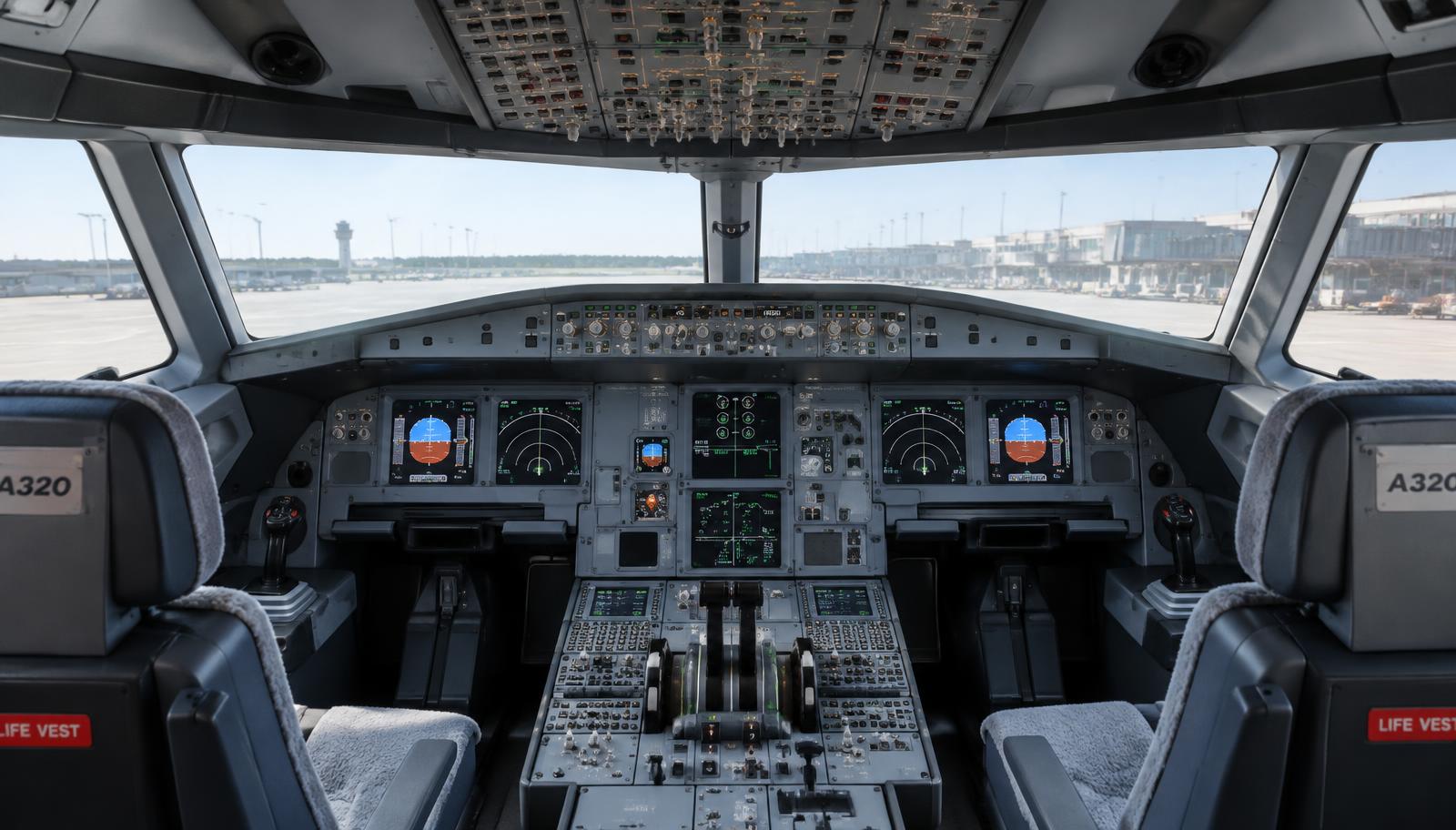
Illustrative cockpit image — dot shows approximate location
STEP 1 / 6
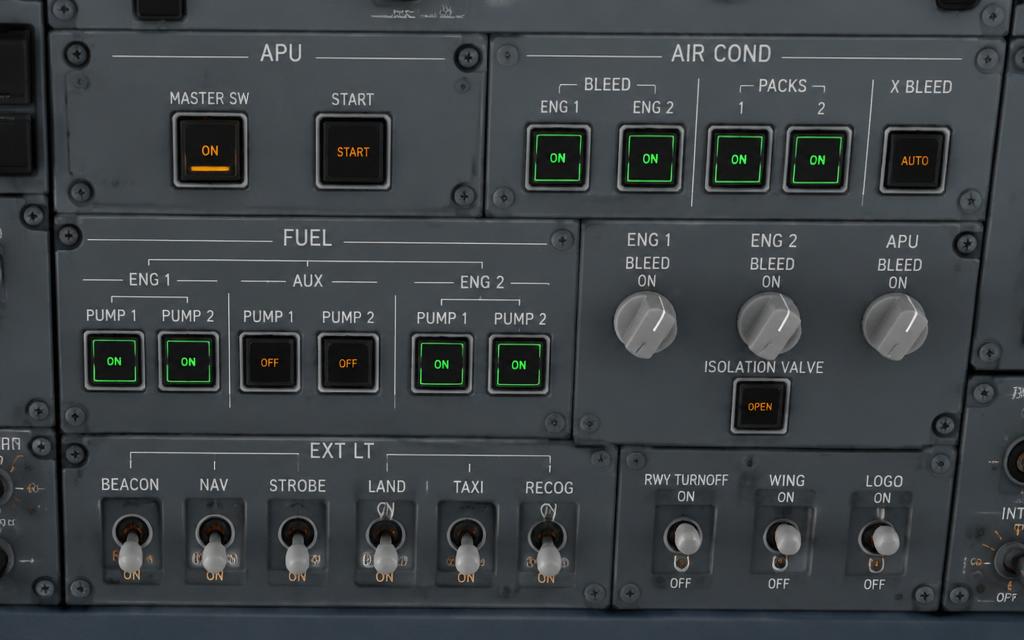
BAT 1 & 2
CHECK > 25.5 V, then AUTO
Why · APU starter is powered from the batteries when no external power is connected.
How to do it · Scan the overhead panel with the 'lights out' principle, from top left to bottom right.
What it does · Houses the system controls (ADIRS, ELEC, FUEL, HYD, AIR, APU, EXT LT). A pushbutton without a light is normal.
Confirm · No white FAULT or amber OFF legend left unexplained; on is shown by a lit blue or white ON legend.
Common mistake · Treating a lit button as normal without a reason. Every light has to be explained.
Ground · FCOM PRO-NOR-SOP / DSC-49 · NEXT: APU MASTER SW ON
Arrow keys work too
EDUCATIONAL USE ONLY. Content is summarised from manufacturer documentation for learning. It is not approved flight or maintenance data. Always use the current, aircraft-specific POH/AFM, FCOM, QRH, AMM and operator procedures.