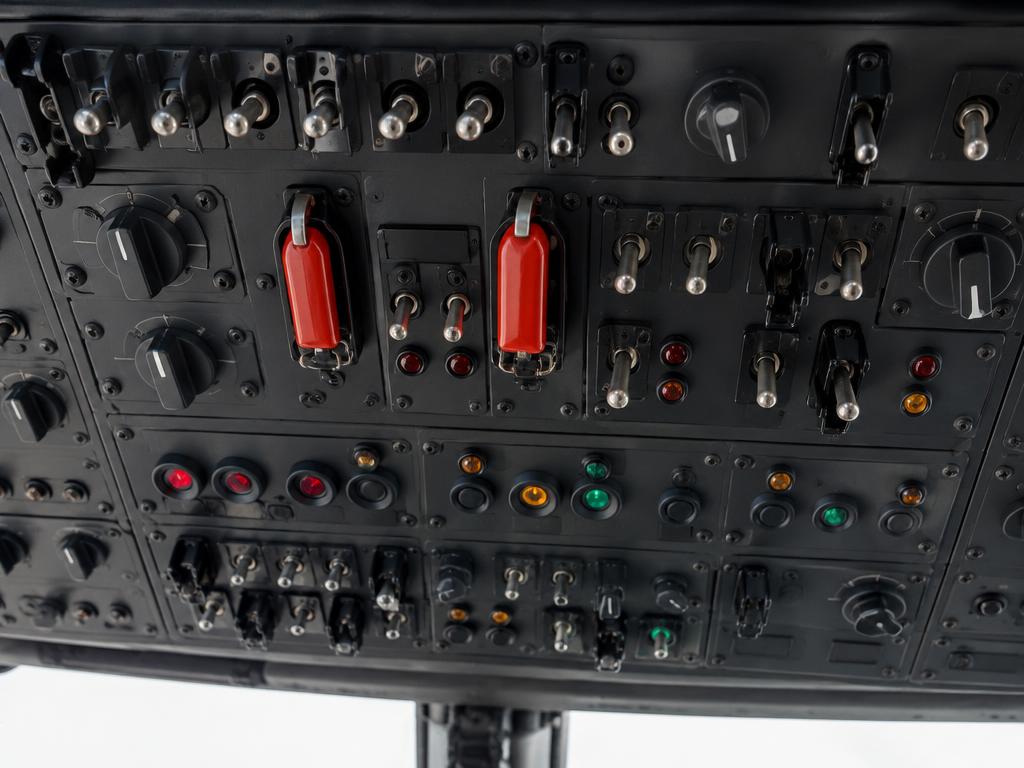
Click a switch, knob or pushbutton to move it. The panel on the right explains every position, and the lights at the top react like the real ones. Simplified teaching logic — not a certified simulator.
Unverified — check your manualText on this page is written from general knowledge. Figures marked ✓ are checked against official FAA/EASA data.See verified data
Overhead, between the pilots
Overhead panel
28 VDC system with battery and two starter-generators, dual-channel FADEC-controlled Arriel 2E engines, electric booster fuel pumps, electric fuel priming, lighting and fire extinguishing. Try a cold-and-dark power-up: BATT, GEN 1 + 2, ENG 1/2 MAIN to IDLE, fuel pumps ON.
Overhead panel: BATT, GEN 1/2, ENG 1/2 MAIN, fuel pumps/prime, lights, pitot heat, fire extinguishing · illustrative image
Guided task
01BATT ON — check battery voltage and MFD self test.
02GEN 1 ON.
03GEN 2 ON.
04FUEL PUMP 1 ON.
05FUEL PUMP 2 ON.
06NAV/STROBE LT ON.
The control for the next step pulses amber on the panel.
NO POWERGEN 1 FAULTGEN 2 FAULTFUEL PRESS LOWFIRE 1 / FIRE 2PITOT HEAT OFF
Electrical
Engine MAIN switches (FADEC)
ENG 1 MAIN
ENG 2 MAIN
Fuel
Lights, pitot heat, fire
EDUCATIONAL USE ONLY. Content is summarised from manufacturer documentation for learning. It is not approved flight or maintenance data. Always use the current, aircraft-specific POH/AFM, FCOM, QRH, AMM and operator procedures.